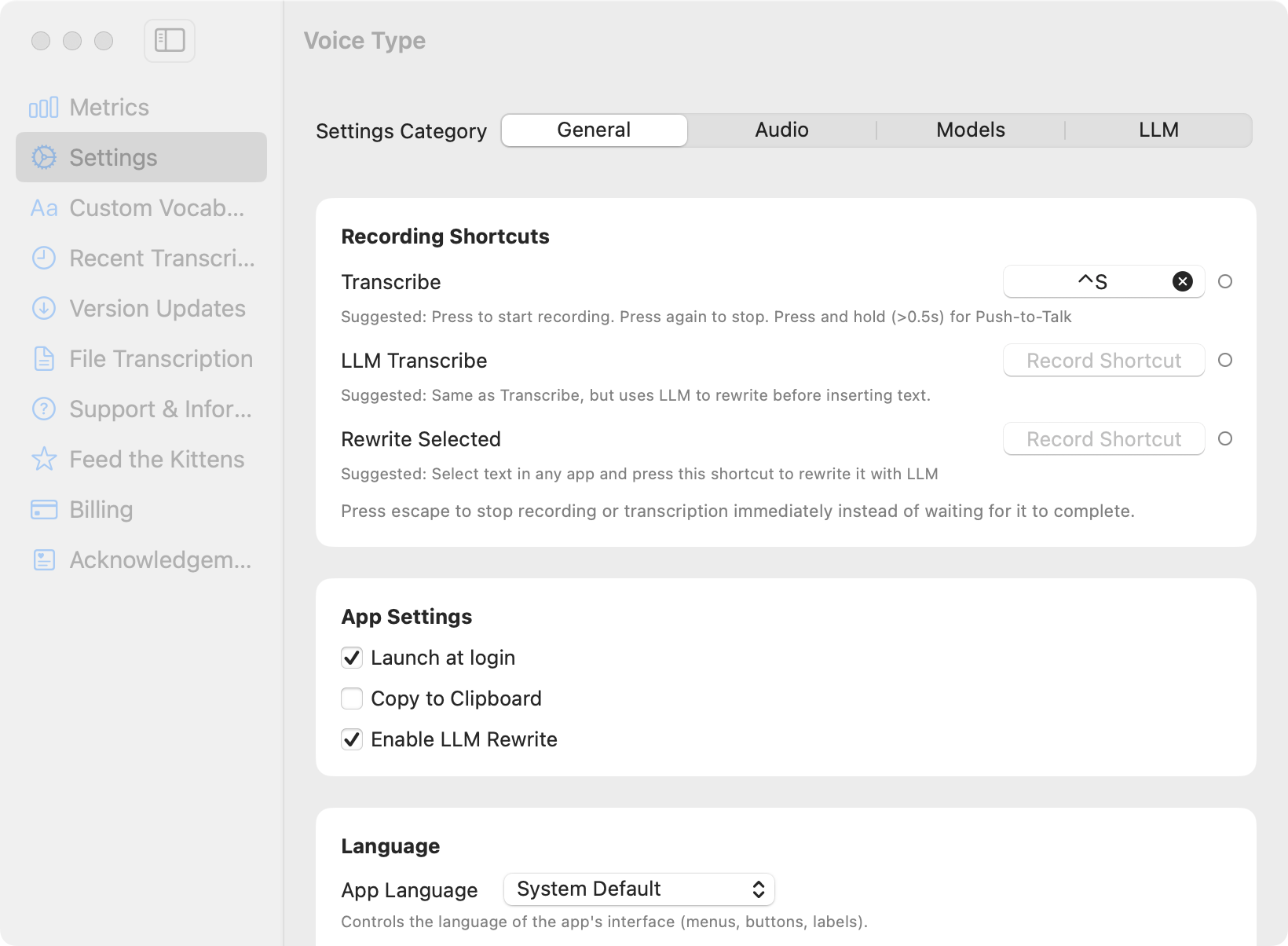
The shortcut, and the Globe key trap
The Dictation pane holds a Shortcut menu. The default is pressing the Fn key twice. On a keyboard where Fn is the Globe key, that same key has a second job: the Keyboard settings pane has a "Press Globe key to" menu, and if it is set to Show Emoji and Symbols or Change Input Source, pressing it twice opens the emoji picker instead of starting dictation. Dictation is on, the microphone works, and nothing happens.
- In System Settings → Keyboard, check the "Press Globe key to" menu at the top of the pane.
- Either set it to Start Dictation, or leave it and pick a different Dictation shortcut instead.
- The Shortcut menu in the Dictation section includes a Customise option, which lets you bind any modifier combination. Right Command pressed twice is a common choice because nothing else claims it.
Punctuation is spoken, not typed
System dictation writes the punctuation you say out loud. The commands that cover most writing are "comma", "period", "question mark", "new line", and "new paragraph". This is worth knowing before you use any of the app guides on this site, because "new line" and "new paragraph" are exactly what break dictation in Slack, Discord, Notion, and a Google Sheets cell. Each of those guides says what to do instead.
Try it on your own work
Voice Type is on-device dictation for macOS. Press a shortcut, speak, and the text goes into the app you are typing in. Your audio never leaves your Mac. Free for 7 days, then $19.99 once on the Mac App Store. No subscription and no account.
Start the free trial